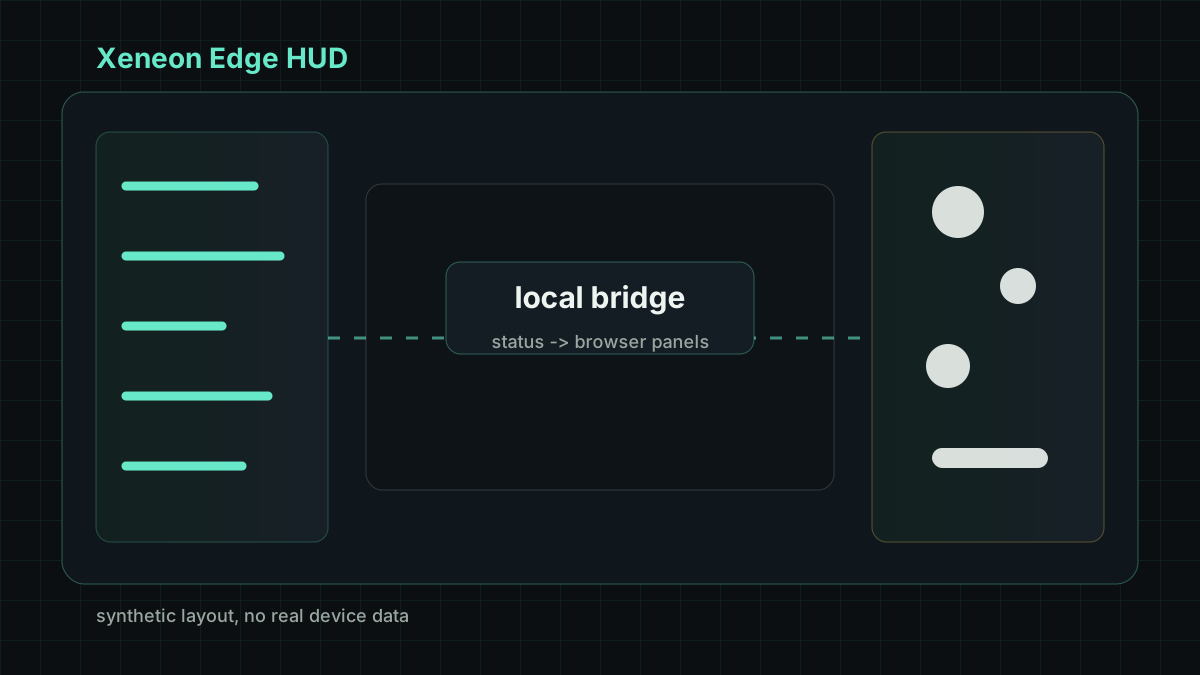
Xeneon Edge HUD started as a practical display experiment for a 32:9 screen: keep useful local status visible at the edge of the workspace without turning the browser into a noisy dashboard. The current version combines a compact web surface with a small local bridge that feeds system state into the page.
The page focuses on repeated glance reading. CPU, GPU, memory, storage, audio, and media-control state are grouped into narrow panels, while the center stays reserved for the main working area. The design avoids large decorative blocks because the HUD is meant to sit beside other windows for long periods.
Project Overview
The project is split into two parts. The browser side renders the HUD and handles compact interactions such as volume changes and media controls. The local bridge collects safe system-level status and streams updates to the page over a local connection.
That separation keeps the UI portable. The page can be revised like an ordinary web interface, while the bridge owns platform-specific calls, refresh timing, and command forwarding. It also gives a clear place to redact or reshape local data before it reaches the browser.
Local Bridge
The bridge is intentionally small. It does not try to become a general device-management service. It reads a bounded set of status values, normalizes them, and sends them to the HUD at a predictable rhythm. Commands from the page are limited to narrow, reversible actions such as audio or media-control changes.
This shape is useful for personal tools. A local page is fast to adjust, but it should not need direct access to every operating-system detail. Keeping the bridge explicit makes the boundary between display, local state, and command handling easier to review.
Interface Notes
The HUD uses dense panels, restrained color, and stable heights so the page does not jump while values refresh. Storage and device summaries are shortened before display; the page should show enough signal to be useful without becoming an inventory screen.
Recent layout work focused on volume interaction, storage grouping, and height adaptation. These are small changes, but they matter for a display that remains open for hours. In a side HUD, the best interface is often the one that stays readable while asking for very little attention.