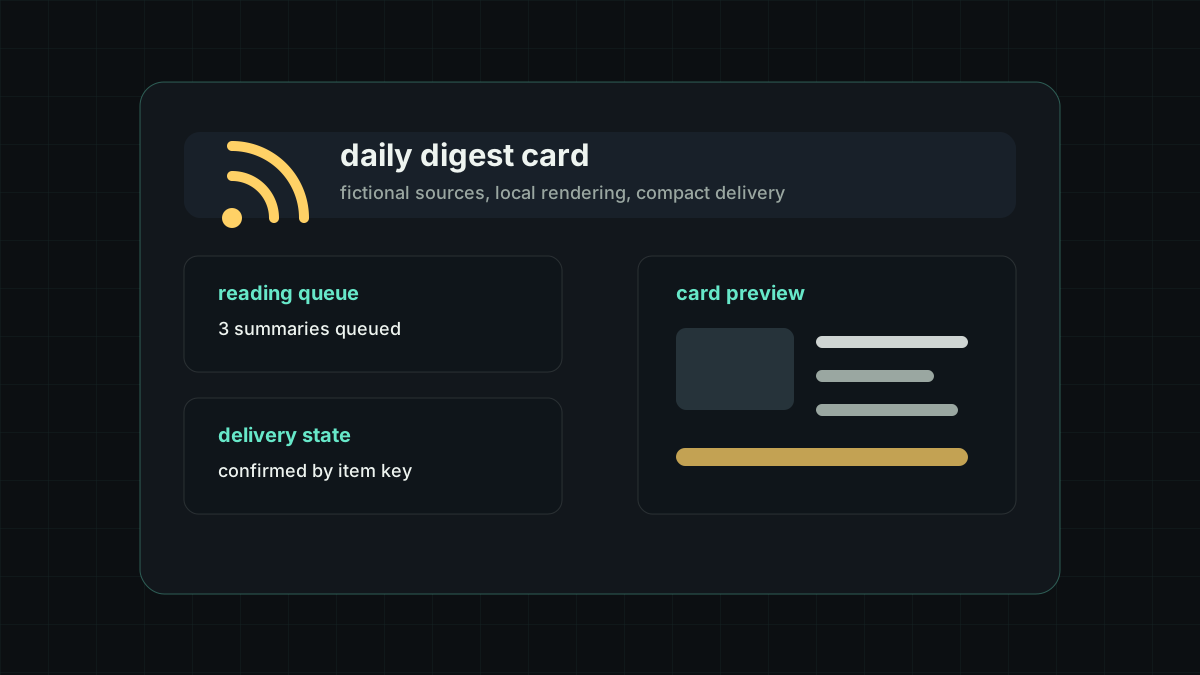
RSS Forwarder had already stabilized daily digest cards and ordinary media delivery last week. This week moved to another reading pattern: instead of sending every RSS update immediately, the plugin can collect a batch of new items at fixed times and turn them into one browseable aggregate message.
That fits personal reading, hobby channels, and low-interruption information streams. It keeps automatic RSS collection, but changes the delivery rhythm from source-driven notifications to scheduled summary windows.
Project Overview
The plugin is maintained publicly at RhoninSeiei/astrbot_plugin_rss_forwarder. The main configuration still centers on feeds, targets, jobs, and daily_digests, but jobs can now use a five-field cron expression as the trigger.
In the codebase, scheduler.py parses cron expressions and resolves the next trigger time, dispatcher.py keeps target-level confirmation and delivery behavior, pipeline.py builds aggregate titles and section summaries, and aggregate_card_image.py renders aggregate cards locally with Pillow. Tests cover configuration parsing, cron scheduling, LLM JSON parsing, fallback summaries, and image-card field preservation.
Cron Triggers
jobs[].cron now supports five fields: minute, hour, day, month, and weekday. For example, 0 9,18 * * * triggers at 09:00 and 18:00 every day. When both cron and interval_seconds are configured on the same job, scheduling follows cron first and keeps the interval field only as a compatibility value.
This allows one plugin to handle both high-frequency notifications and fixed-time summaries. For personal reading, one morning and one evening aggregate message are often easier to process than dozens of immediate pushes.
Aggregate Delivery
The new jobs[].aggregate_enabled mode sends a batch of filtered new items through an aggregate pipeline instead of delivering them one by one. Before aggregation, items still pass through historical filtering, exact deduplication, target-level confirmation, and semantic duplicate checks.
The aggregate model is asked to return a short title and a list of section summaries. The prompt asks for a compact header title, Simplified Chinese section titles and summaries, and no colon-style redundant prefixes in the title. The output should read like a card, not like a model analysis report.
If the LLM is unavailable, times out, or returns invalid JSON, the plugin falls back to a local numbered list. A follow-up change also lets the fallback path use the translation enhancement first, so an aggregate failure does not suddenly fall back to raw source titles and summaries.
Aggregate Cards
jobs[].aggregate_render_mode=image renders a local PNG card with Pillow. The card keeps a title, source metadata, item count, section titles, and summaries. When aggregate_include_images is enabled, the plugin tries to cache entry images locally and render them beside the relevant section.
This card has the same value as a daily digest card: it compresses multiple entries into one readable object. The difference is rhythm. A daily digest fits a once-a-day window, while a cron aggregate works better for reviewing updates every few hours.
Maintenance Notes
This update moves RSS Forwarder further from a single-item push tool toward a lightweight information organizer. Cron controls rhythm, aggregation controls expression, target-level confirmation keeps multi-target delivery predictable, and local cards provide a compact presentation surface.
For a personal interests site, this is worth recording separately. It is not just another configuration field; it recombines source reading, deduplication, summarization, image rendering, and send confirmation into a reading flow that fits everyday use.